Claude Code Workflow: Context, Permissions and Verification
A reliable Claude Code workflow starts with a bounded task, enough repository context and a way to verify the result. The goal is a small change that another engineer can understand and check, not an unattended agent with unrestricted access.
This guide covers day-to-day implementation. For the team-level adoption decision, see our guide to measuring Claude Code productivity.

1. Establish the starting state
Open the intended repository, inspect existing changes and identify the commands used to build and test it. Work on a branch appropriate for the task. Do not let an agent overwrite unrelated work or treat a clean working directory as permission to deploy.
Follow the supported authentication method for your installation. Keep credentials outside committed files and avoid placing secret values in prompts, logs or screenshots. Do not assume that the repository directory itself creates a security boundary.
2. Keep repository instructions short and specific
Use CLAUDE.md for durable instructions such as test commands, architectural constraints and review requirements. Reference the relevant files when assigning a task, then let the agent inspect necessary dependencies. Excessive restrictions can hide important context; an unrestricted repository dump can add irrelevant material.
Anthropic’s best-practices guide recommends explicit verification targets and focused project instructions. Keep long background material in separate documentation rather than repeating it in every session.
3. Configure actual permission controls
Use Claude Code’s documented permission settings and sandboxing where supported. Review allowed tools, commands, file access and network access. Written instructions guide behavior; they are not a replacement for enforced controls.
Do not rely on .claudeignore as a documented security boundary. The current permissions reference describes supported controls. Keep production access out of routine coding sessions unless it is explicitly required and separately authorized.
4. Describe the result and its boundaries
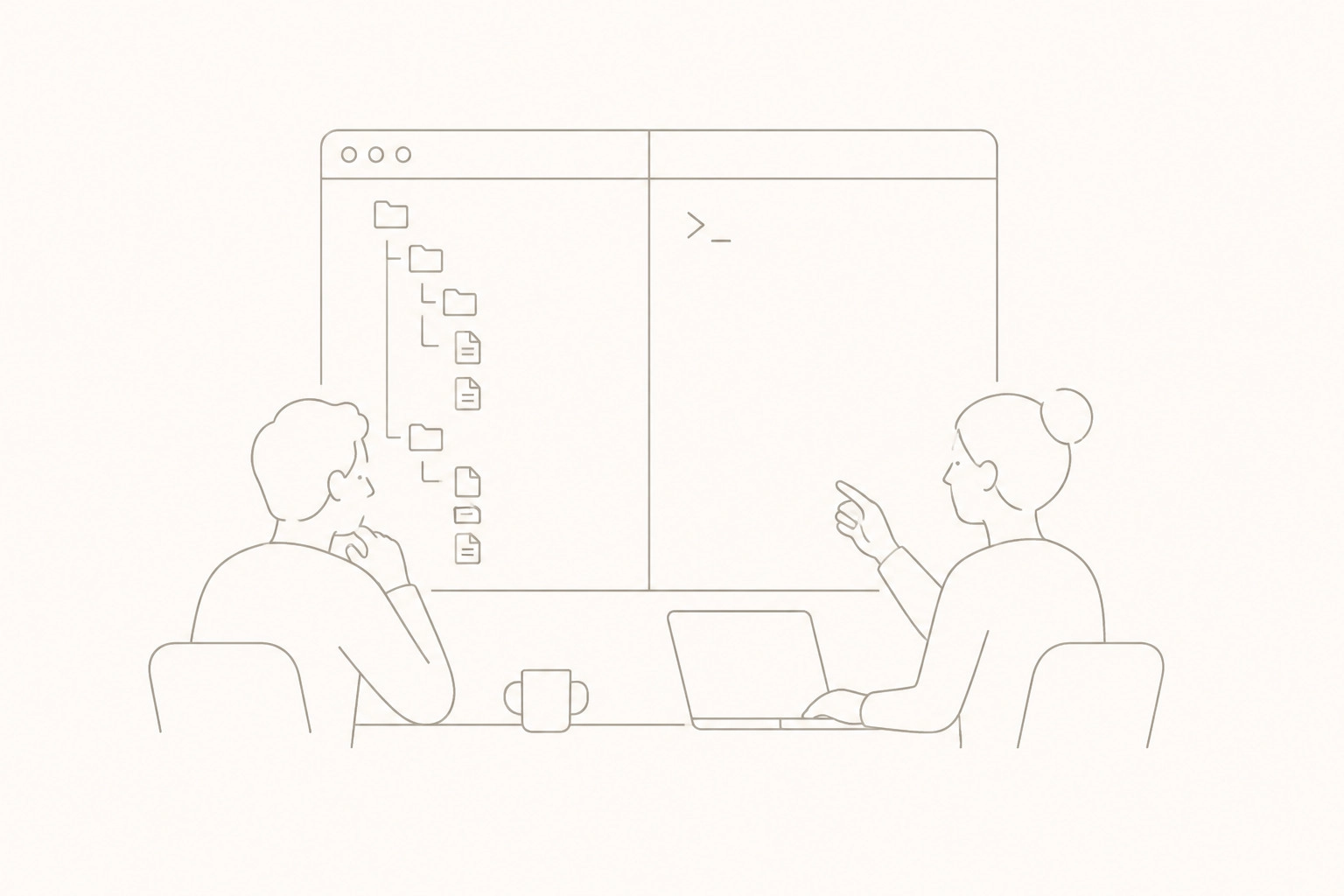
A useful task brief states the problem, the behavior that must remain unchanged and the evidence required at handover. For example:
Investigate why the order-validation test fails. Preserve the public interface and existing unrelated edits. Propose the smallest correction, add a regression test, run the relevant checks and report any checks you could not complete. Do not commit or deploy.
For complex changes, ask for an investigation and plan before implementation. For a clear, low-risk correction, a separate planning phase may add little value. If the first approach fails, examine the evidence rather than insisting on the same solution.
5. Use documented commands
The CLI reference documents claude for an interactive session and claude -p for non-interactive output. The previously suggested claude --request is not the documented command for targeted edits. Check the reference and your installed version before adding commands to team instructions.
Non-interactive mode is not a safety guarantee. Automated jobs still need appropriate permissions, isolated credentials, failure handling and a review gate. Begin with read-only analysis or a bounded test job before allowing changes to shared systems.
6. Verify the change and its effects
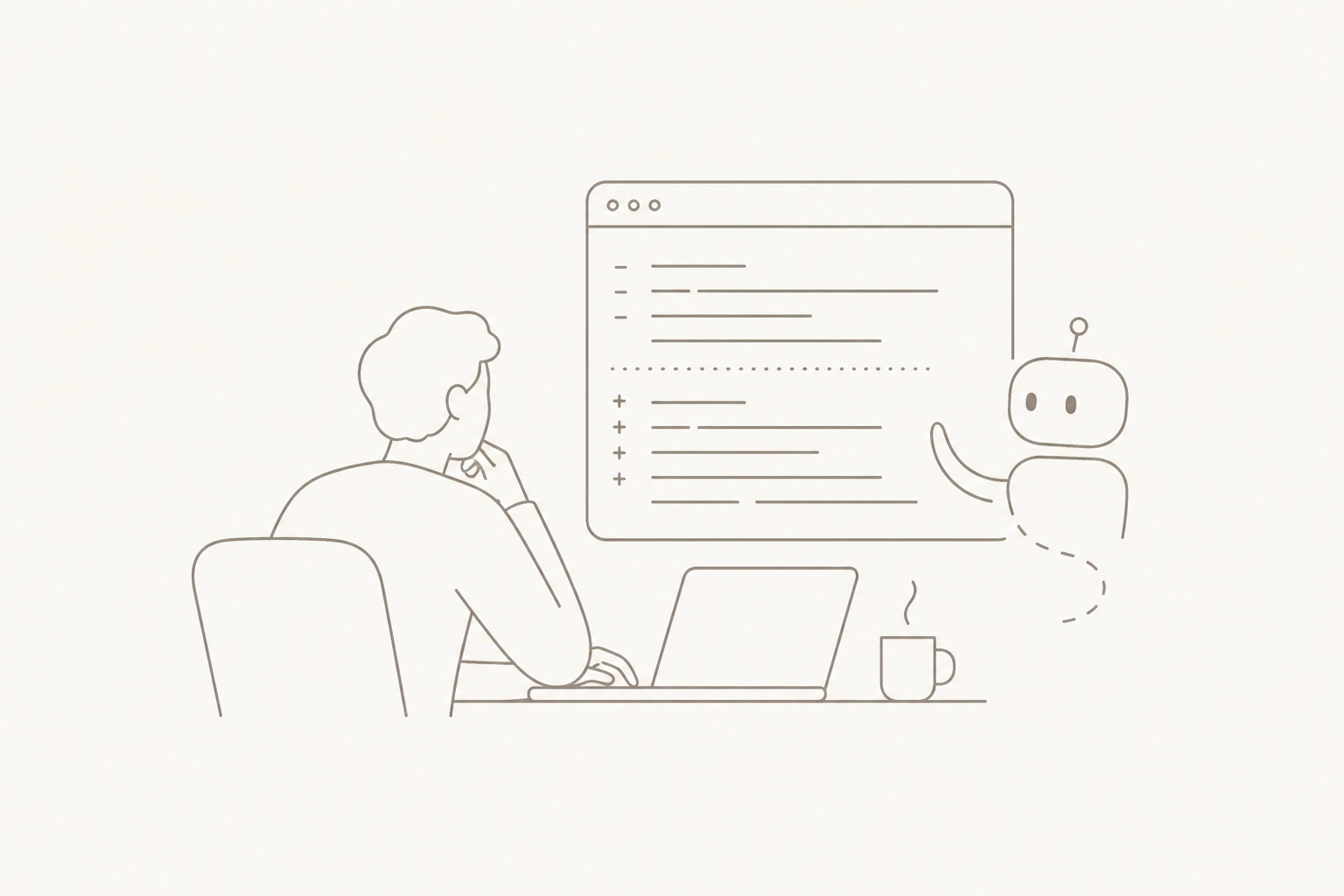
Inspect the diff, run relevant tests and check interfaces affected by the change. For a database or API modification, examine compatibility and failure paths as well as the happy path. Use your team’s normal continuous-integration checks before release.
Broaden testing when the change touches shared components or when dependency knowledge is weak. Passing tests only demonstrates the behavior those tests cover. A useful handover states what changed, which checks ran, what they returned and what remains uncertain.
A reusable handover checklist
- The change stays within the agreed scope.
- Existing unrelated work is preserved.
- The diff contains no credentials, accidental files or unexplained dependencies.
- Acceptance criteria have corresponding checks.
- Failed or skipped checks are stated clearly.
- An engineer owns review and any release decision.
Choose the right level of automation
| Workflow | Useful starting point | Required control |
|---|---|---|
| Interactive assistance | Code exploration and small changes | Review the proposed actions and diff |
| Bounded automation | Repeatable checks or draft changes | Scoped permissions and recorded test results |
| Pipeline integration | Creating reviewable pull requests | Protected branches and explicit release gates |
If the actual problem is how a model should run inside your product, use our Claude integration architecture guide. If your delivery pipeline lacks an owner, our DevOps hiring guide helps define the missing capability.
Frequently asked questions
Does a detailed prompt prevent incorrect code?
No. It clarifies intent but does not prove correctness. Use tests, review and appropriate access controls.
Should Claude Code commit directly to the main branch?
Use your team’s protected-branch and review process. A coding task does not automatically authorize a commit, merge or deployment.
How should we handle a blocked verification step?
Report the missing dependency, access or environment and identify what remains untested. Do not describe the change as fully verified.
Review your engineering workflow
If agent-generated changes are creating review or integration problems, describe your repository workflow and the failure you want to prevent. Powercode can discuss the engineering controls and delivery scope; a tool change alone may not address the underlying process.