PHP Maintenance Checklist for Existing Applications
PHP maintenance starts with evidence: the versions running in production, the dependencies actually deployed, a tested restore and the business flows that must keep working. Use those checks to agree the next safe change, its owner and the rollback plan. Updating PHP alone does not complete application maintenance.
PHP 8.2 security support ends on 31 December 2026, according to the PHP project’s support table. Use that date to plan an application maintenance cycle: confirm what runs, test compatibility and recovery, and assign a safe release window.
For a small product team, the first goal is a reliable picture of the existing application. A checklist should help you choose and verify work, rather than produce a long list of green ticks with no connection to production.
A PHP maintenance checklist you can use in a handover
Ask the current team or incoming supplier to fill the evidence column before estimating a large upgrade. Record unknowns as investigation tasks. A version copied from an old README is not proof of what the live website, scheduled job or queue worker uses.
| Check | Evidence to retain | Next decision |
|---|---|---|
| Production runtimes | PHP versions for web requests, command-line tasks and workers; hosting owner | Which components need a supported version? |
| Dependencies | Deployed revision, lock file and dated audit output | Which findings affect this application and need action? |
| Recovery | Completed restore in a separate environment, result and owner | Can the team recover the database, files and configuration? |
| Business flows | Results for login, payment, forms, scheduled tasks and relevant integrations | What must pass before and after deployment? |
| Release and rollback | Approved change, deployment steps and rollback limits | Who can deploy, stop and restore? |
| Ongoing ownership | Monitoring responsibility, response terms and next review | What happens when an alert arrives? |
Check the supported PHP branch before planning the upgrade
As checked on 25 November 2026, PHP 8.2 is in security support until 31 December 2026. PHP 8.3 has security support through 2027, PHP 8.4 through 2028, PHP 8.5 through 2029 and PHP 8.6 through 2030. These dates come from the official PHP support table; check it again when you approve the work.
The PHP project normally gives a branch two years of active support followed by two years of security support. Being on a supported branch is one requirement. Your framework, extensions, dependency constraints and hosting environment also determine which upgrade you can safely deploy.
Inventory the web runtime and background processes separately. Keep diagnostic output private. Do not publish a diagnostic page containing environment details just to show that a maintenance check happened.
If you are replacing a supplier, use the wider software maintenance takeover checklist for access, documentation and ownership. This PHP checklist covers the technical work package inside that handover.
Review the locked dependencies, not just the package list
Identify the deployed application revision and its matching composer.lock. In an authorised working environment, composer audit --locked audits the packages recorded in the lock file. Composer documents this behaviour in its official audit command reference.
Retain the date, command, exit result and findings. Review advisories and abandoned packages with an engineer who understands the application. A clean audit result is not proof that custom code, access controls or configuration are secure. Failed access to an advisory source is not a clean result either.
Do not start with an unrestricted production dependency update. Agree a bounded change, review compatibility and test it away from the live service. An old lock file can reveal work to investigate; it does not tell you the total upgrade effort.
Prove that recovery and the important flows work
A backup file is useful only if the team can restore the application from it. Test the database, uploaded files and required configuration in a separate environment with suitable access controls. Keep the recovery result and any missing steps with the maintenance record.
Choose a short set of checks that reflect how the business uses the application. A shop needs more than a working homepage: include checkout and relevant payment callbacks. A booking tool may need confirmation messages, background tasks and calendar integrations. Use your actual flows rather than adopting every item in a generic test list.
Run the agreed checks before the change to expose existing failures. Repeat them after the release. This helps distinguish an inherited problem from a regression, although it cannot prove that every possible defect has been found.
Agree release ownership and response terms
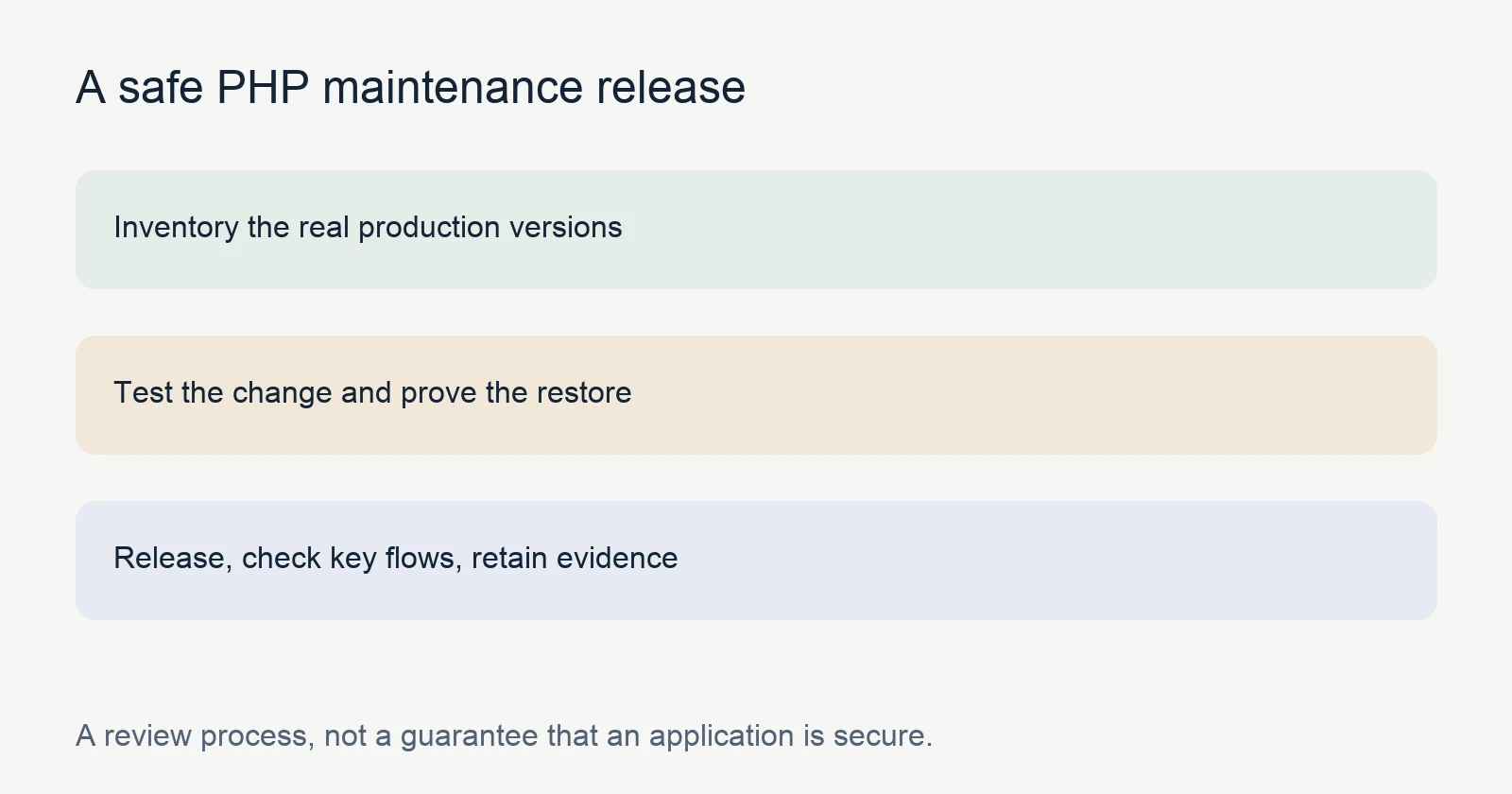
Write down who approves the work, who deploys it and who checks the result. Include the rollback decision and the point beyond which reversing a change needs extra work, such as a database migration. Keep production access limited to people who need it.
Also separate a supplier’s first response from resolution. A promise to acknowledge a request does not promise that a complex fault will be repaired in the same period. Confirm working hours, escalation and coverage in the offer.
Our software maintenance and support service describes a first reaction within eight business hours. It is not a 24/7 response or a guaranteed eight-hour resolution. For the broader operating problem, see the patch gap between a published fix and a verified release.
For the specific security-update topic, use our PHP security update guide for WordPress. Use this checklist to organise the recurring inventory, recovery checks and ownership around an existing application.
Budget investigation separately from the repair
Ask for a small initial work package with explicit outputs: runtime inventory, dependency findings, recovery evidence, key-flow results and a prioritised change plan. Then price the repair or upgrade against what that investigation found.
Powercode’s current PHP/Laravel engineering rate starts from USD 35/hour. As an illustration, ten approved engineering hours at that starting rate are USD 350. That is arithmetic for a stated allocation, not an estimate that an unknown application can be assessed or upgraded in ten hours. The scope and specialist determine the actual quote; use the current rate card when comparing offers.
A recurring service can include checks and a defined allocation of work. Compare the inclusions, reporting and extra-hour terms as well as the monthly charge. Keep emergency repair, feature work and longer modernisation projects separate so that a maintenance budget has a clear purpose.
Frequently asked questions about PHP maintenance
What does PHP application maintenance include?
Agree the scope explicitly. A useful starting package covers runtime and dependency checks, recovery evidence, critical-flow tests, controlled releases and ownership of follow-up work.
Is PHP 8.2 still supported?
As checked on 25 November 2026, PHP 8.2 is in security support until 31 December 2026 according to the PHP project’s published table. Recheck the official dates before approving an upgrade plan.
Does composer audit prove that my application is secure?
No. It checks dependency policies, including published advisories. It does not replace review of custom code, configuration, permissions or the application’s behaviour.
Should we update PHP directly on production?
Plan and test the change in a separate environment first. Confirm compatibility, recovery, important business flows and rollback ownership before the live release.
How much does PHP maintenance cost?
It depends on the application, scope and coverage. Powercode PHP/Laravel engineering starts from USD 35/hour. Request a defined initial assessment and a separate repair estimate instead of assuming a fixed total from the hourly rate.
How is maintenance different from modernisation?
Maintenance keeps an existing application supported and working within an agreed scope. Modernisation changes its structure or technology more substantially. An assessment can identify when a separate modernisation project is justified.
Send the stack, current hosting arrangement and the problem you want to solve. We can scope the first maintenance work package before proposing a wider upgrade. Get a maintenance quote